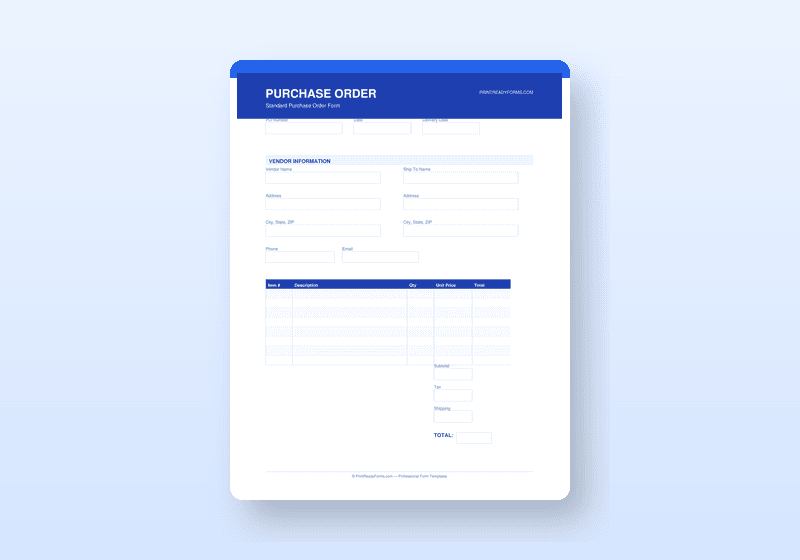
Purchase Order Template Pack
Complete PO system with order form, tracking log, goods received note, and vendor sheet
What's Included
- Professional PO form with 8-line item table, tax, shipping, and grand total block
- PO number system, order date, required delivery date, and vendor fields
- Terms and conditions block covering payment terms and delivery conditions
- PO Tracker with status columns for open, received, and paid orders
- Goods Received Note for verifying delivery against the original order
- Vendor Information Sheet for organized supplier contact and banking records
Available Formats
About This Template
A purchase order is a legal document the moment it is signed — it commits your business to a payment obligation. Using a proper PO template protects you, creates an audit trail, and keeps your purchasing process organized.
This pack includes a professional Purchase Order form with all standard fields: PO number, order date, delivery date, vendor information, ship-to address, an 8-line itemized table with unit price and extended totals, shipping/tax/grand total calculation section, and terms and conditions block. It is built to match what suppliers and vendors expect to receive.
Also included: a PO Tracker for monitoring open and fulfilled orders, a Goods Received Note for confirming delivery accuracy and flagging discrepancies, and a Vendor Information Sheet for maintaining organized supplier records.
The complete system helps small businesses operate with the same purchasing discipline as larger organizations.
Who Is This For?
- Small business owners who purchase inventory, supplies, or services from vendors
- Office managers responsible for procurement and expense tracking
- Retail and e-commerce operators managing supplier relationships
- Contractors who regularly order materials and need a paper trail
How to Use
- 1Assign a PO number and fill in vendor and shipping details
- 2Enter your line items with quantities, unit prices, and descriptions
- 3Send the completed PO to your vendor as your formal order
- 4Log the PO in your tracker and record it as received using the Goods Received Note
Frequently Asked Questions
Is a purchase order legally binding?
A signed PO creates a contractual obligation to pay for the goods or services described. It serves as your formal offer to purchase and, once accepted by the vendor, becomes a binding agreement.
Can I adjust the item table for more or fewer line items?
The PDF form has 8 fillable line item rows. For larger orders, you can print multiple PO sheets or use the form across multiple pages.
You Might Also Like
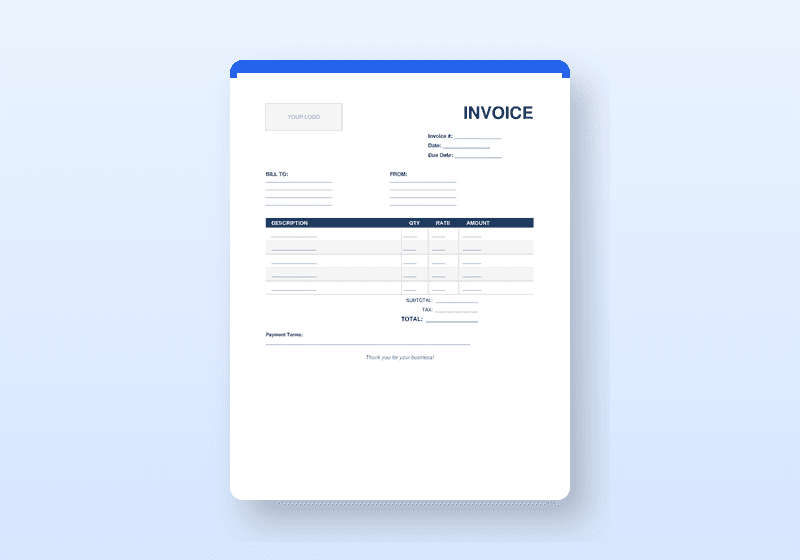
Professional Invoice Template Pack
Complete invoicing toolkit with tracker, payment receipts, and late-payment letters
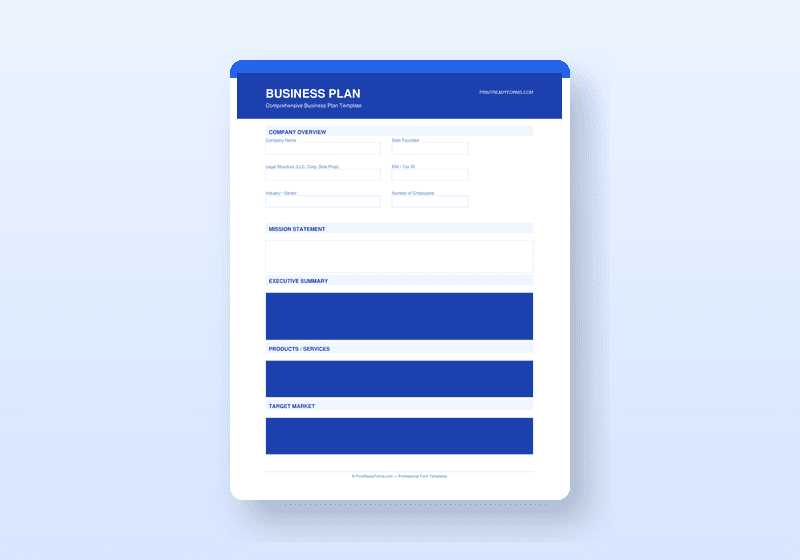
Business Plan Template Suite
Investor-ready business plan with financial projections, SWOT analysis, and market research framework
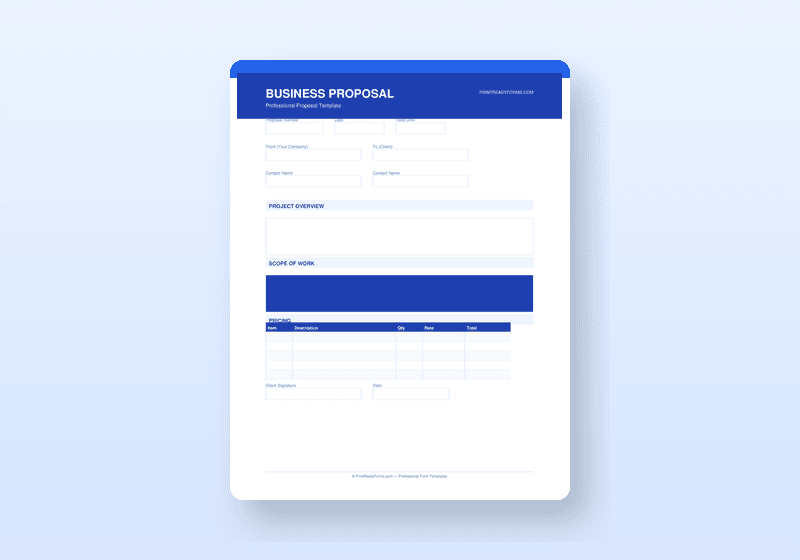
Business Proposal & Quote Suite
Win more clients with a polished proposal, cover letter, cost estimator, and needs assessment