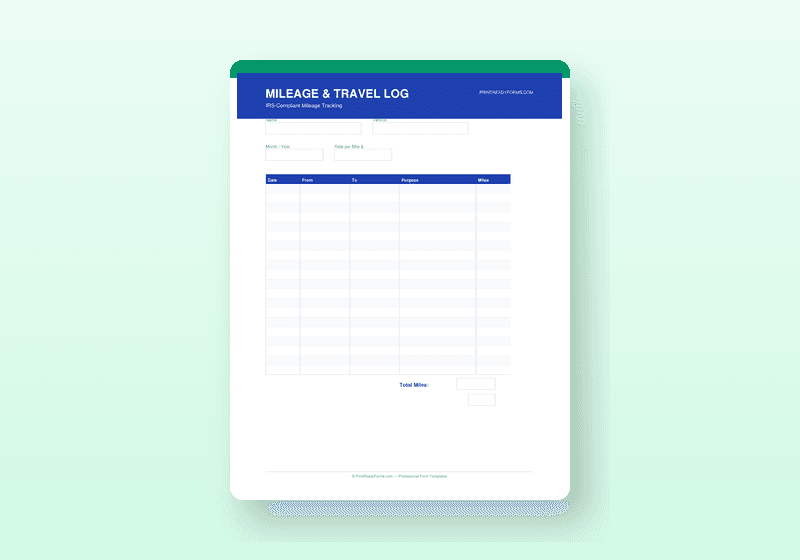
Mileage & Travel Expense Tracker
IRS-compliant mileage log with 20-row daily log, odometer fields, trip category, and monthly reimbursement summary
What's Included
- IRS-compliant mileage log with 20-row daily table and odometer fields
- Date, starting odometer, ending odometer, destination, purpose, and category columns
- Monthly Totals section with mileage by category and reimbursement calculation
- IRS Standard Mileage Rate reference box — updated for current year rates (business, medical/moving, charity)
- Vehicle Expense Tracker for actual-cost method records
- Trip Planning Worksheet for multi-day business travel
- Reimbursement Request Form for submitting employee mileage claims
Available Formats
About This Template
The IRS requires contemporaneous mileage records — meaning you track each trip at the time it occurs, not reconstructed later. This mileage log is built to meet that standard and make it easy to do.
The main log provides a 20-row daily mileage table with date, starting and ending odometer readings (calculated total miles), destination, business purpose, and trip category (Business, Medical, Charity, Other). At the bottom, a Monthly Totals section breaks miles down by category and applies the current IRS standard mileage rates to calculate your total reimbursable amount. An IRS Rates Reference box on the form displays the current rates so you don't need to look them up.
The bundle also includes a Vehicle Expense Tracker for actual-cost method tracking (fuel, insurance, maintenance, registration), a Trip Planning Worksheet for multi-day business travel, and a separate Reimbursement Request Form so employees can formally submit mileage claims for approval.
Who Is This For?
- Self-employed individuals and freelancers claiming business mileage deductions
- Employees who drive for work and submit mileage reimbursement requests
- Small business owners tracking vehicle use for tax purposes
- Any business that reimburses drivers at the IRS standard rate
How to Use
- 1Keep the mileage log in your vehicle or on your phone (as a PDF)
- 2Record each business trip immediately after completing it
- 3Enter starting and ending odometer readings for each trip
- 4At month-end, total your miles by category and calculate your reimbursable amount
- 5Retain completed logs with your tax records — IRS recommends 3 years
Frequently Asked Questions
Is this log IRS-compliant?
Yes. The log captures all fields the IRS requires for mileage deductions: date, destination, business purpose, and miles driven. Keep completed logs as supporting documentation.
What is the current IRS standard mileage rate?
The IRS updates the standard mileage rate annually. The rate reference box on the form displays the current year rates for business, medical/moving, and charity miles. Always verify the current rate at irs.gov before filing.
Can I use this for employee reimbursements?
Yes. The included Reimbursement Request Form is designed for employees to submit mileage claims to their employer for approval and payment.
You Might Also Like
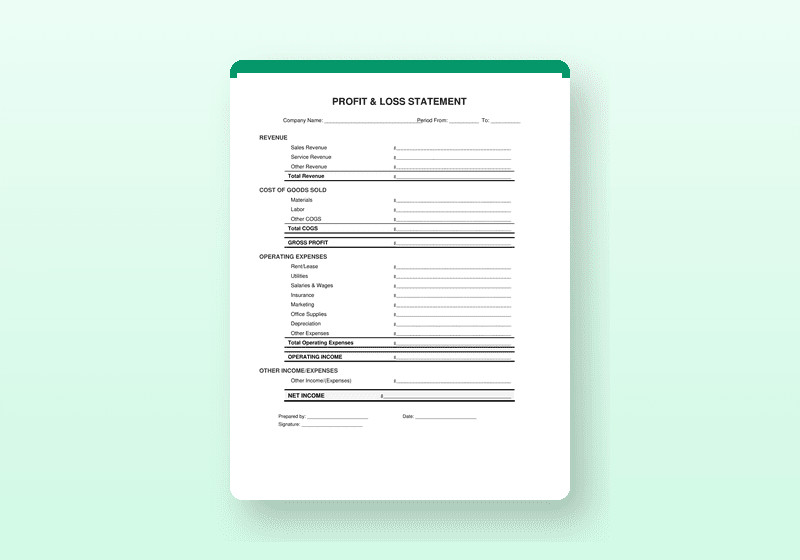
Profit & Loss Statement Templates
Professional P&L with Current Period, Prior Period, YTD, and % Change columns — complete with balance sheet and AR tracker
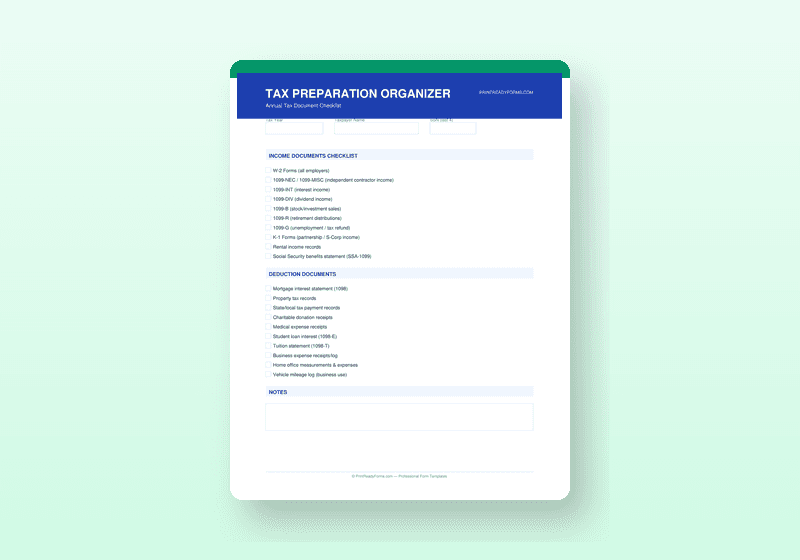
Tax Preparation Organizer
2-page business tax checklist covering income docs, deductions, self-employment expenses, and life events
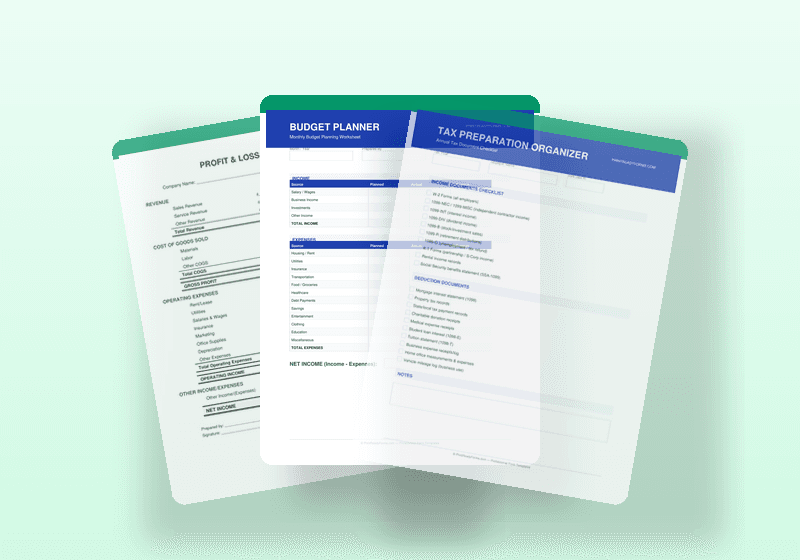
Complete Finance & Accounting Bundle
26 financial forms covering P&L, budgeting, tax prep, mileage, AR, petty cash, and projections